𝓢𝓽𝔂𝓵𝓲𝓼𝓱 Nickname Finder
Type a name or any word to generate free stylish cute, cool, funny, and gaming nicknames with our free Nickname Finder & Generator.
More options
Example results for “Alex”. Type your own name above to see yours.
- Alex XCool · Strong suffix
- ❥ 𝒜𝓁ℯ𝓍 ❥Symbols · Hearts
- LexShort · Shortened
- AlexBladeGaming · Suffix
- Alex ♡Romantic · Heart
- alex.lilacAesthetic · Dotted
- LexpieCute · Affectionate
- 𝗔𝗹𝗲𝘅Stylish Text · Sans bold
- Alex-a-lotFunny · Playful
- Alex PrimeCool · Strong suffix
- ✿ Alex ✿Symbols · Cute symbols
- AlexXGaming · Suffix
- ♡ Alex ♡Romantic · Heart frame
- alex.Aesthetic · Lowercase
- LexieCute · Affectionate
- 𝔄𝔩𝔢𝔵Stylish Text · Fraktur
Type a name above to see every style.
No favorites yet. Use the heart on any result to keep it here. Favorites stay in this browser only.
Treat every result as an idea. The tool cannot tell whether a platform has the name free, and styled characters can look different from one app to the next.
- No sign-up
- Runs in your browser
- One-click copy
Explore Creative Nickname Categories
Not sure where to start? Pick a collection below. When a name catches your eye, take it back to the tool and mix in your own.
Cute Nicknames
Sweet, soft and affectionate
Explore →Cool Nicknames
Sharp, confident one-liners
Explore →Funny Nicknames
Playful names that get a smile
Explore →Nicknames for Boys
Classic and friendly picks
Explore →Nicknames for Girls
Bright, warm favorites
Explore →Couple Nicknames
Pet names and matching pairs
Explore →Best Friend Nicknames
For your day-one people
Explore →Gaming Nicknames
Readable names for profiles
Explore →Aesthetic Names
Soft, lowercase, dreamy
Explore →Short Nicknames
Two to four letters
Explore →Stylish Text
Bold, script, Fraktur and more
Explore →Nicknames with Symbols
Frames, hearts and sparkles
Explore →Quick picks you can copy now
Find Nicknames That Match Your Style
A nickname finder works from the name you already have. You type “Alexander,” and it returns short forms like “Lex,” sweet versions, playful titles, and gamer tags. Each run draws from nine styles, so one search gives you a wide mix. You can compare the results, save the ones you like, and copy a single name with one click.
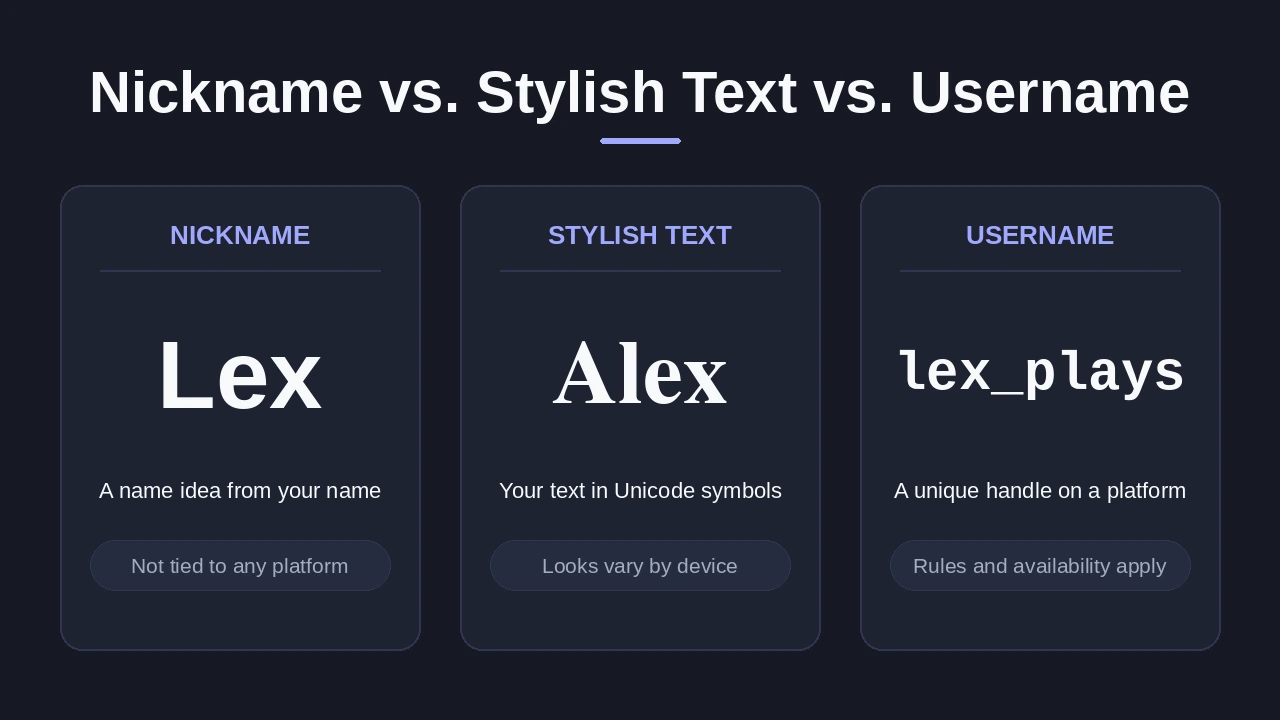
People often mix up three terms. The cards below sort them out.
Nickname generator
Creates name ideas. “Alexander” might become “Lex” or “Alexander the Magnificent.” Tone and personality drive the result.
Stylish text generator
Changes how your text looks by swapping in Unicode characters, such as bold or script letters. The words stay the same. Only the shapes change.
Username
A handle that a platform saves and keeps unique. It has to fit that platform’s length and character rules, and someone else may already own it.
Turn Your Name into Stylish Text
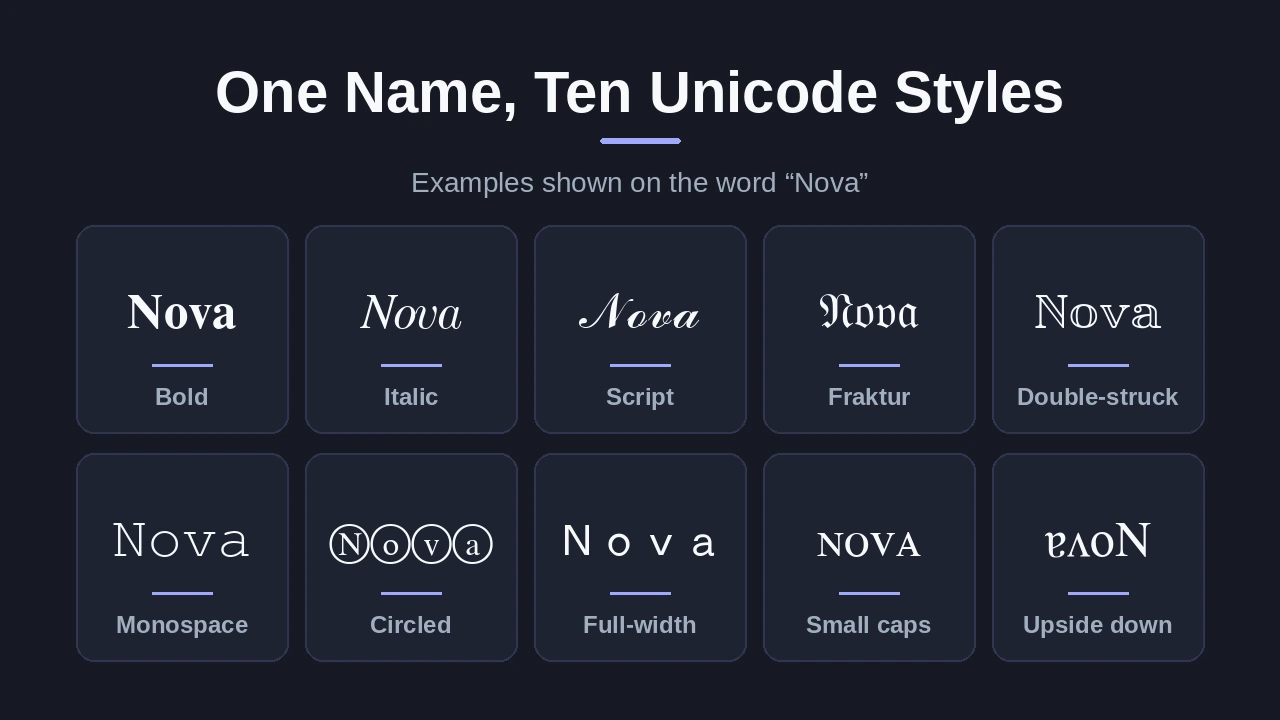
The Stylish Text tab converts your name into real Unicode characters. It does not load a special font, so you can paste the result into a bio, a chat, or a display name. The tool offers 23 styles plus three quick presets. The table below shows ten of them on the word “Nova.”
| Style | Result for “Nova” | What it is |
|---|---|---|
| Bold | 𝐍𝐨𝐯𝐚 | Mathematical bold letters |
| Italic | 𝑁𝑜𝑣𝑎 | Mathematical italic letters |
| Cursive / script | 𝒩ℴ𝓋𝒶 | Script letters; a few use older symbols |
| Fraktur | 𝔑𝔬𝔳𝔞 | Blackletter style |
| Double-struck | ℕ𝕠𝕧𝕒 | Outlined math letters |
| Monospace | 𝙽𝚘𝚟𝚊 | Fixed-width letters |
| Circled | Ⓝⓞⓥⓐ | Enclosed letters and digits |
| Full-width | Nova | Wide forms used in East Asian text |
| Small caps | ɴᴏᴠᴀ | Phonetic small capitals |
| Upside down | ɐʌoN | Reversed order, flipped lookalikes |
Some letters have no match in a given style. The tool leaves those as they are and tells you when a style only covers part of your text. Fonts differ from device to device, so the same name may look a little different on your phone and on your laptop. The decoration menu adds frames such as stars, hearts, and brackets. The Stylish Text Generator page has all 45 of them.
How to Use the Nickname Finder
The steps below take about a minute. For a deeper look at each control, read the full usage guide.
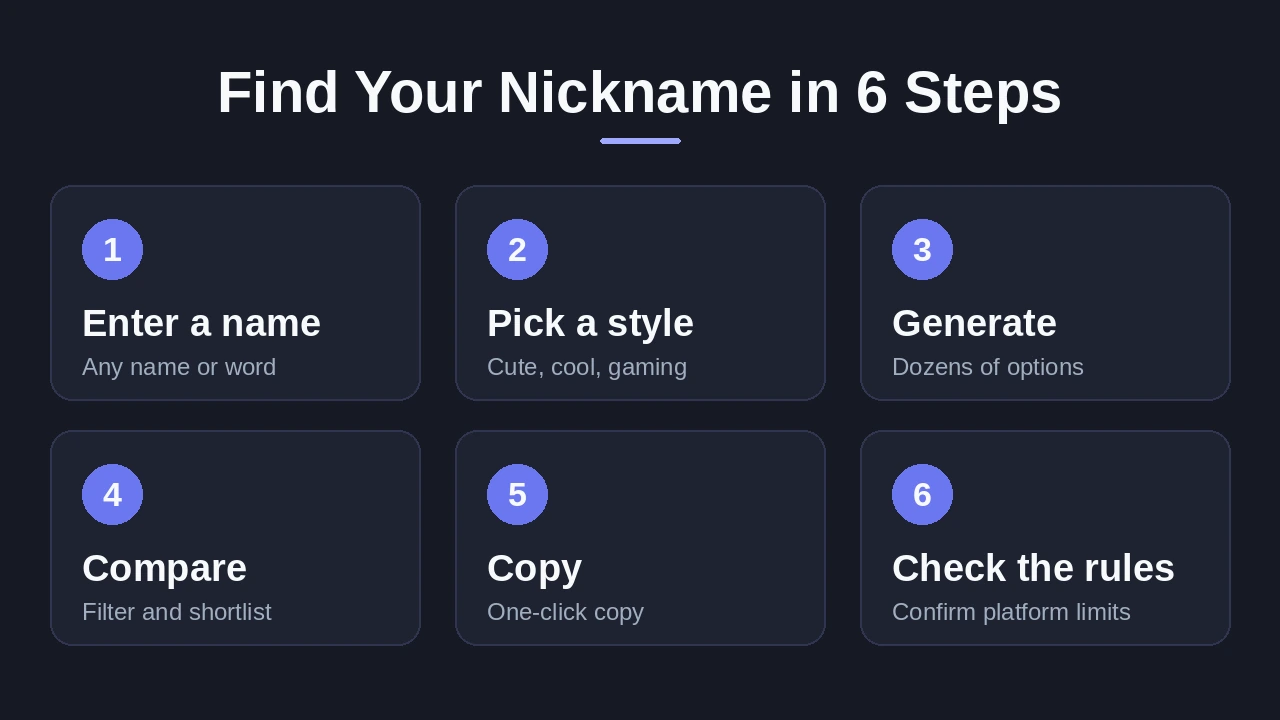
- Enter your name or a word. The box takes up to 40 characters, including spaces, hyphens, and numbers.
- Pick a style. Filters cover cute, cool, funny, short, aesthetic, gaming, romantic, stylish text, and symbols.
- Generate suggestions. Press Generate Nicknames. Random Inspiration gives you a fresh set.
- Compare and save. Set a maximum length if you need a short name. Tap the heart to keep a favorite.
- Copy your pick. Every row has a Copy button. The Style button sends a name to the Stylish Text tab.
- Test it on the platform. Paste the name into the real field to see whether it fits and whether it is free.
Tips for Choosing a Memorable Nickname
Say it out loud
A name you stumble over will trip up your friends too. If you have to spell it twice, pick another one.
Keep it readable
Short names are easy to scan in a chat or on a leaderboard. Look-alike characters and heavy symbols turn into clutter on a small screen.
Make it personal
A name tied to your own name, a hobby, or an inside joke feels more like you than a random word pair.
Think about who will see it
A silly name suits friends and games. A calmer one works better on a profile your coworkers can find.
Go easy on symbols
One frame or one sparkle looks neat. A long string of them eats into character limits.
Test before you commit
Each platform sets its own limits on length and characters. Try the exact name before you share it.


Built and reviewed by real people
Muhammad Haseeb Khan (Developer and Strategist) builds the tool. M Ibrahim (SEO Expert and Specialist) reviews the pages. Meet the team.
Frequently Asked Questions
Is the Nickname Finder free to use?
Yes. You can generate, style, and copy as many names as you want. There is no account to make.
Does it check if a username is available?
No. The tool never connects to a game or a social network, so it cannot see which handles are taken. Try the name on the platform itself before you share it.
Does the tool send my name to a server?
No. The generator runs in your browser, so the name stays on your device. Favorites and recent searches sit in your browser’s local storage until you clear them. The privacy policy covers the rest.
Why do some styled names show boxes or question marks?
Styled text uses special Unicode characters, and some fonts cannot draw them. Switch to another style, or paste the text into the app first to see how it looks.
Will styled text work as a username?
Sometimes. Many display name fields accept it, but a username field often allows only plain letters, numbers, and a few symbols. Platforms change these rules, so read the current ones.
What is the difference between a nickname and a username?
A nickname is a name people use for you. A username is a handle that a service saves and keeps unique to your account.
How do I get more suggestions?
Press Generate Nicknames again, or try Random Inspiration for a new set. Then pick a filter to narrow the list. Our usage guide walks through every button.